

What these Frostpunk 2 tools do
Frostpunk 2 hides most of its economy behind district panels. You see that Food is short by 90, but the game does not tell you that the fix is two Food districts plus one more Materials district to feed them. These tools do that arithmetic for you, and the guides explain the reasoning so you can do it in your head mid-game.
 District calculator: type in a Food, Goods, Coal or Materials shortfall. It returns how many districts you need, whether to expand them, what a Hothouse or Goods Factory changes, and the Workforce and Materials upkeep the new districts add. The Materials chain is closed for you, and it draws the chain for your exact plan.
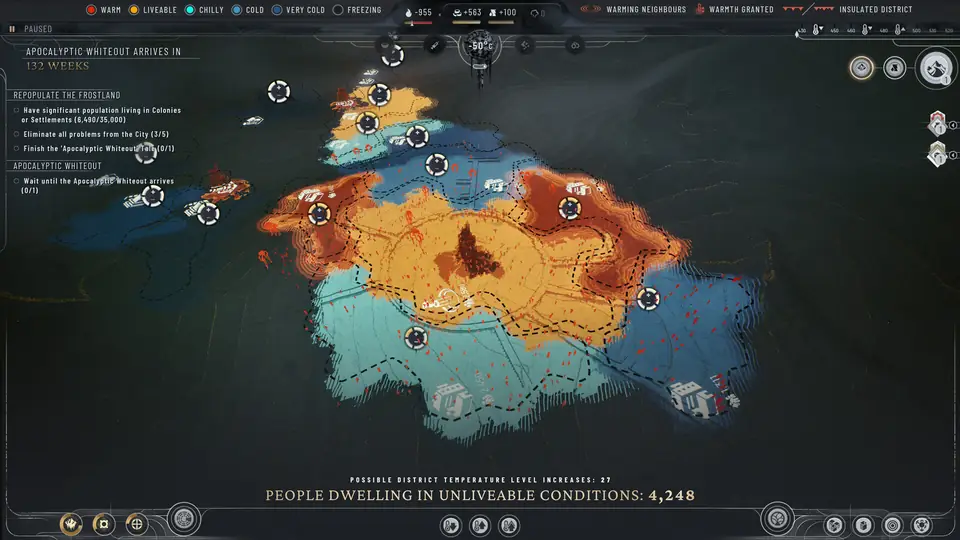
 Heat planner: since the heat overhaul in patch 1.3, every district has its own temperature. The planner adds up insulation, warm neighbours and Generator warmth and tells you how many heat levels each district still needs to reach Livable or Warm.
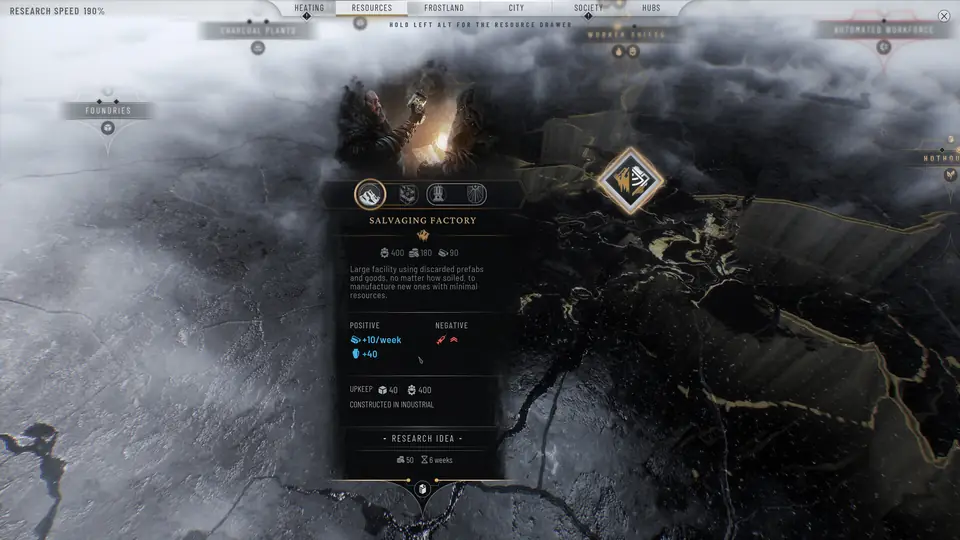
 Buildings table: all 17 production buildings, sortable by output, Workforce, Materials upkeep, cost and side effect.
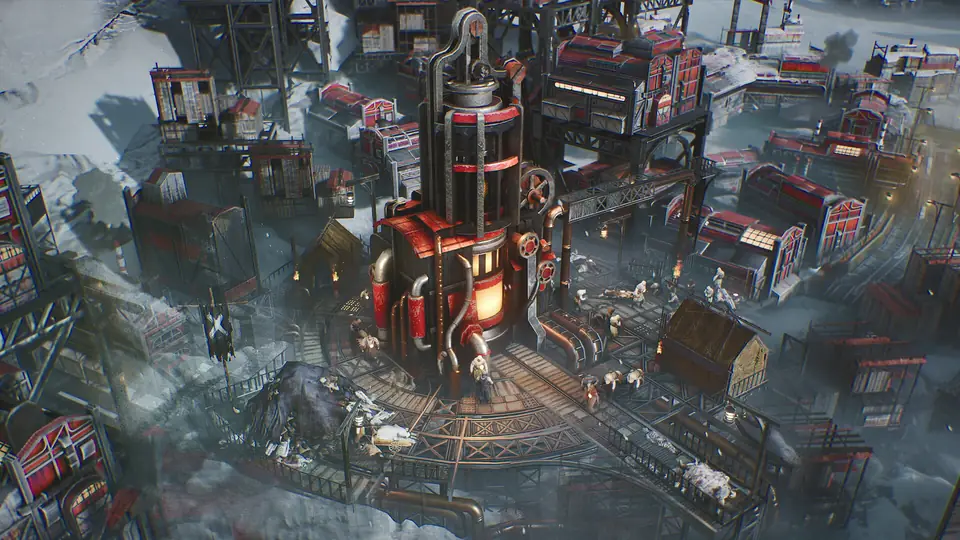
 Production chains guide: what each district makes and eats, why Materials is the resource everything else waits on, and which expansions pay for themselves.
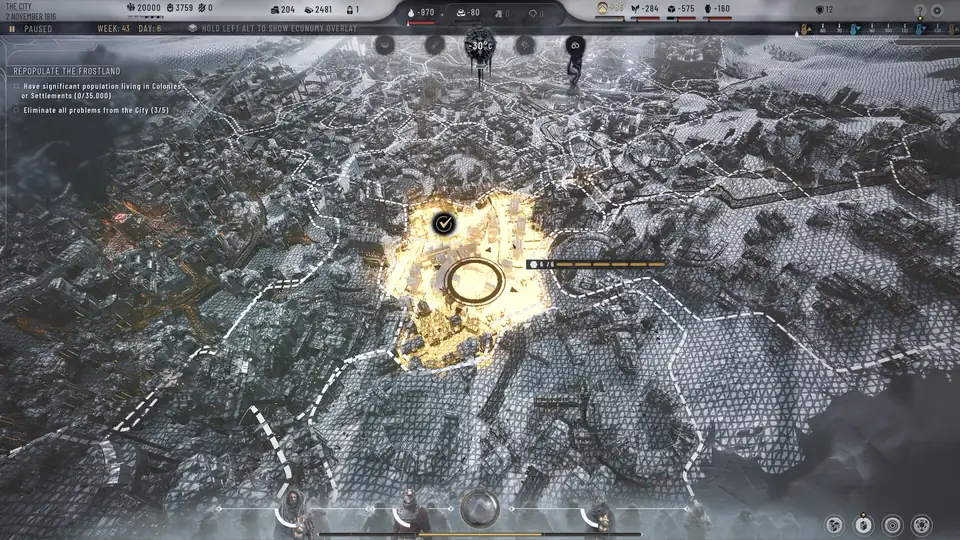
 District layout guide: which neighbours cause Disease or Squalor, how to chain warmth from the Generator outwards, and where hubs earn their tile.
 Heatstamps and Prefabs guide: where your construction money comes from, what everything costs, and how to get more of both.
The economy in one picture
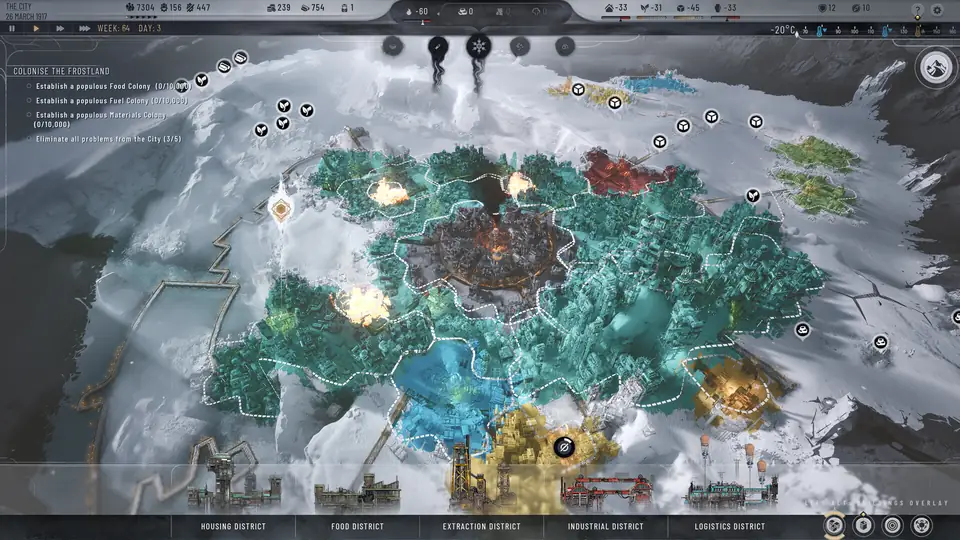
Almost every Frostpunk 2 problem traces back to one loop. Extraction Districts dig Materials. Food, Industrial and Coal districts each take 50 Materials of upkeep just to stay open. A base Materials district makes 150 but keeps 50 for itself, so it carries two other districts and no more. Fall behind on Materials and Squalor climbs, districts wear down, and the next shortage arrives in Food or Coal even though nothing changed there.
That is why the district calculator always adds Materials districts to the answer. Ask it for 120 Food and it will tell you two Food districts and one Materials district, not two.
A first-hour build order that holds up
- Frostbreak next to the Generator first. Every tile a district shares with the Central District gives it a quarter heat level for free, and Housing and Food are the districts that suffer most from cold.
- Put Food on Fertile Soil on the Housing side of the city, and Industrial and Extraction on the far side. A Food District next to industry raises Disease, and Housing next to industry raises Squalor.
- Build one Materials district for every two other production districts. Expand before you build new: 50 Heatstamps and 50 Prefabs for more output with no extra Workforce or upkeep.
- Research Hothouses early. A Drum Hothouse adds 60 Food for 400 Workforce and no Materials, which is cheaper to run than a second Food District.
Where the numbers come from
Each page lists its sources at the bottom. District output, upkeep and costs come from the Frostpunk 2 Game Vault wiki. Building stats come from Neoseeker's launch-era building lists, spot-checked against the official Steam screenshots. Heat rules come from the Game Vault Districts page and 11 bit studios' own patch notes. The current game version is 1.6.1. Building stats were recorded before the heat overhaul, so this site leaves out their old flat heat costs instead of guessing new ones.
One number was disputed: what a new district costs in Heatstamps. The wiki's cost table says 40, its district infoboxes say 100 or 120. The infoboxes were written in April 2024 from a pre-release build. The cost table, the wiki's Heatstamps page and a launch-week district guide all say 40, and no patch since has changed it, so every tool here uses 40.
Difficulty, laws, area traits and faction buildings all shift the live numbers. Use these tools to plan the order of your next few builds, then check the district panel in your own game before you spend Heatstamps. Every input field can be changed, and the link in your address bar keeps your setup, so you can bookmark a plan or send it to a friend.
Icons on these pages are our own drawings, made for this site. They are not game assets.